

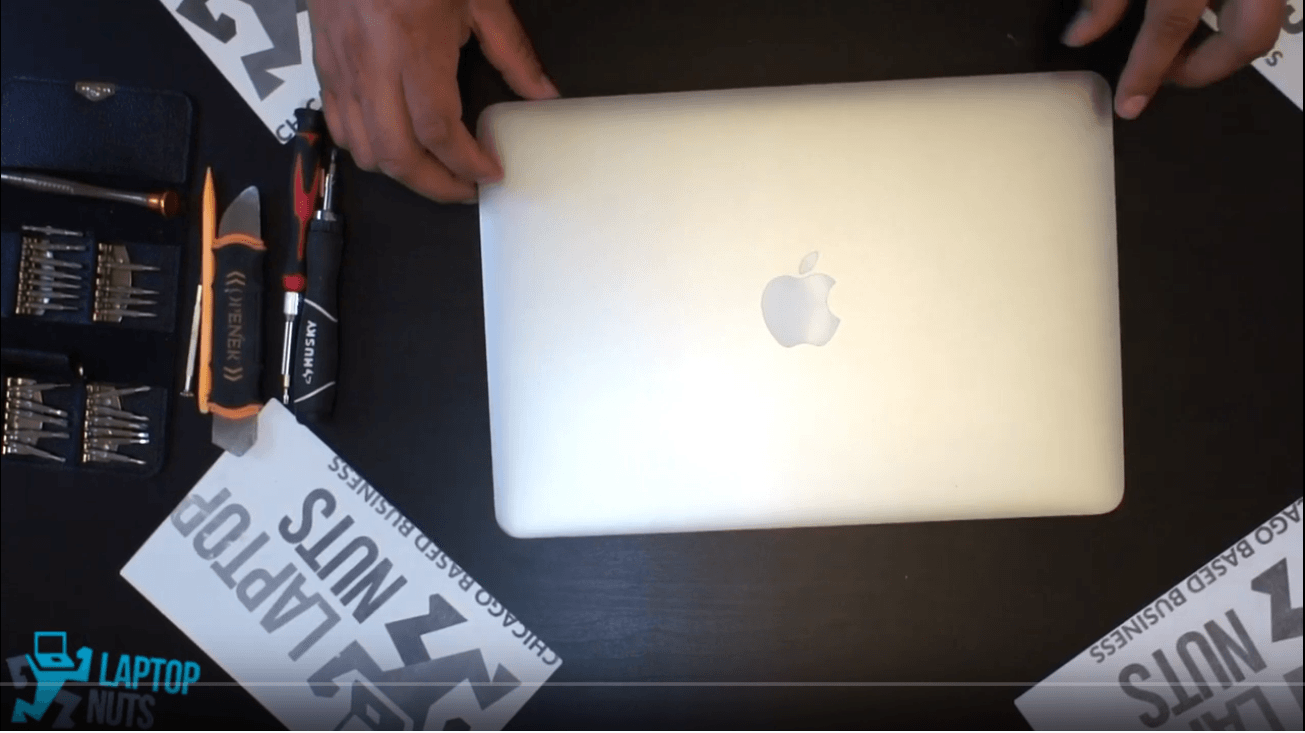
Laptop Macbook A1502 Disassembly Take Apart Sell

Another video from our YouTube/laptopnuts channel on how to disassemble Macbook A1502. Use at your own risk, this information could be used for repairing or if you need to sell the parts of your Macbook A1502 laptop. Macbook A1502 laptop disassembly steps:
  • Bottom Case ~0:11
  • SSD storage drive ~1:52
  • Bluetooth & WiFi Card ~2:17
  • Various ribbons & cables disconnect ~2:30
  • Power jack & cable ~6:15
  • CPU Fan&Heatsink ~6:30
  • Motherboard & CPU ~7:14
  • USB card ~8:00
  • LCD Screen & Hinge Mounts ~8:20

Subscribe to our YouTube channel and our laptopnuts.loc/blog for new laptop related articles and videos. And please feel free to comment and evaluate how we did Macbook A1502 laptop disassembly!

Need to sell your Macbook A1502 laptop? Sell it to LaptopNuts for cash online!

Share this:

Latest posts

Dell XPS 16 Review + Disassembly & Upgrades | Premium Look, But Is It Powerful?

Take apart Dell laptop video from our YouTube/laptopnuts channel on how to disassemble Dell XPS 16in details. Use at ...

Apr 11, 2025

HP EliteBook 840 G11 – A Reliable Workhorse? Full Review & Upgrades

Take apart HP laptop video from our YouTube/laptopnuts channel on how to disassemble HP EliteBook 840 G11in details. ...

Apr 11, 2025

Dell Precision 5480 Review + Full Disassembly Guide

Take apart Dell laptop video from our YouTube/laptopnuts channel on how to disassemble Dell Precision 5480 in detail ...

Apr 11, 2025